
"BATCH PAYMENTS" - GETTING MORE FROM XERO
Jun 30, 2021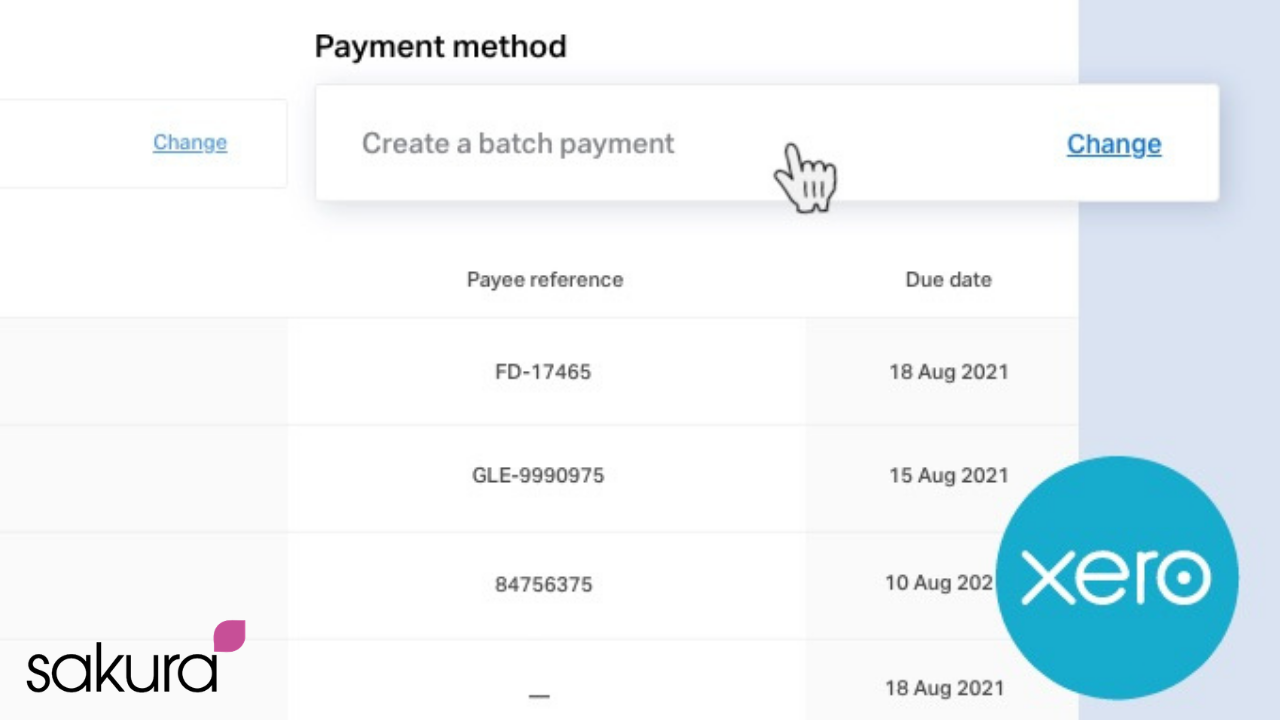
Continuing our series of highlighting some really useful features in Quickbooks or Xero, we now highlight the importance of ‘Batch Payments’ in Xero accountancy software – allowing multiple Supplier invoices to be paid simply, efficiently and as accurately as possible! This feature also reduces the risks inherent in re inputting payment details into your online banking software.
‘Batch payments’ are a feature in Xero that provide an efficient and straightforward process for making
regular ‘payment runs’ to Suppliers for multiple invoices !
They allow for:
- Supplier invoices which are due for payment to be collated together into ONE report (‘batch
payment’) - for invoices to be reviewed and/or ‘signed off’ by an appropriate ‘Approver’ within the
business. - for ‘Approved’ ‘batch payments’ to be paid either by importing a file directly into online banking
or by using a ‘Pay By Transferwise’ feature in Xero
Why should I use ‘Batch Payments’ in my business?
- Save time – they significantly ‘speed up’ the payment of multiple Suppliers each month, reducing the amount manual time and effort involved, while communicating to Suppliers of the payment(s) being made (and what invoices are being paid to them !)
- Accurate data – the use of ‘batch payments’ enables the inclusion of a review and approval process, and reduces errors in payments to Suppliers. Also the use of an Export file or other options directly from Xero, remove manual errors that occur when adding payments to your online banking software!
- Up to Date financials – once the ‘batch payment’ process has been successfully completed, Xero automatically updates each Supplier and invoice to a ‘PAID’ status !
Find out more on Xero below!